For 1990-2009 cars only
Camshaft Position Sensor Replacement for GMC Truck Terrain 2009
Removal Procedure
- Disconnect the negative battery cable.
- Remove the engine cover.
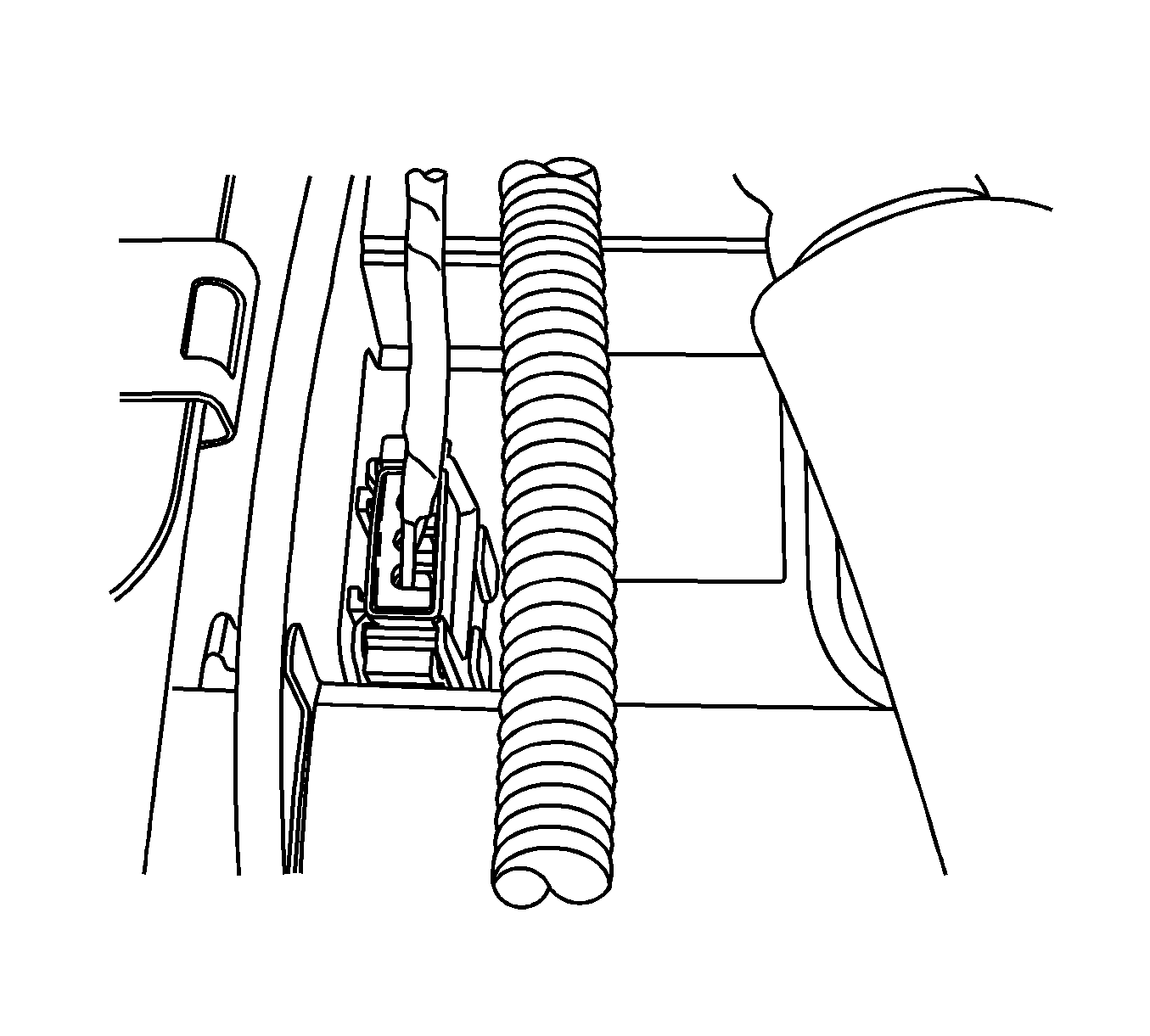
- Disconnect the camshaft position (CMP) sensor connector.
- Remove the timing belt front cover. Refer to Timing Belt Rear Cover Replacement.
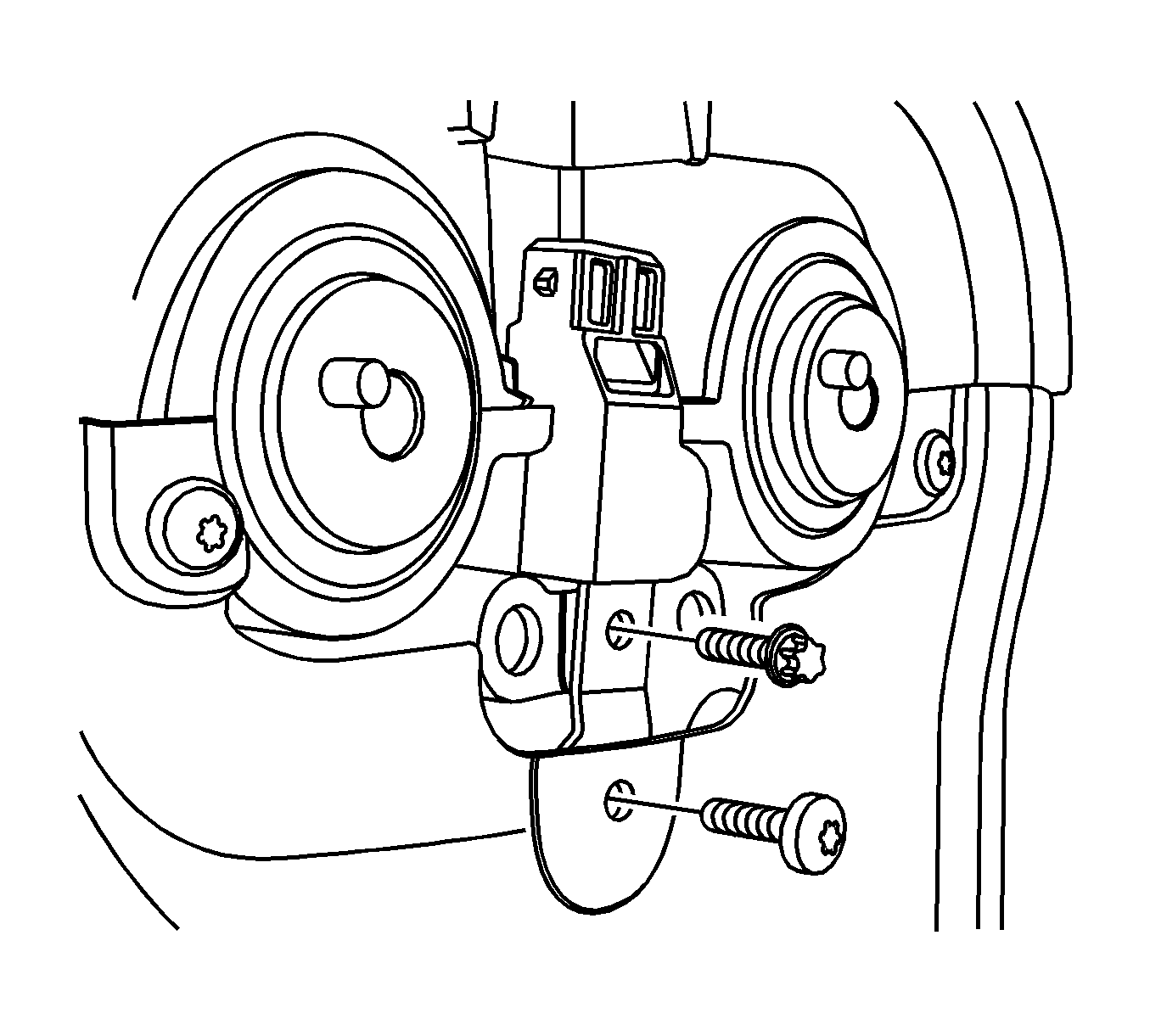
- Remove the CMP sensor bolts.
- Remove the CMP sensor from the top.
Warning: Refer to Battery Disconnect Warning in the Preface section.
Installation Procedure
- Install the CMP sensor with the bolts.
- Install the timing belt front cover. Refer to Timing Belt Rear Cover Replacement.
- Connect the CMP sensor connector.
- Install the engine cover.
- Connect the negative battery cable.
Caution: Refer to Fastener Caution in the Preface section.
Tighten
Tighten the camshaft position sensor bolts to 8 N·m (71 lb in).
